Search
Discoverability
Tizra Upgrades
Powerful search is one of the most often cited reasons organizations choose Tizra. But different scenarios call for different kinds of searches. For example, if you’re looking for definitive answers, you’d want to search a trusted reference volume. But if you’re trying to remember who gave that great presentation at the last annual meeting, you’d want to search within a collection of papers and presentations from just that event.
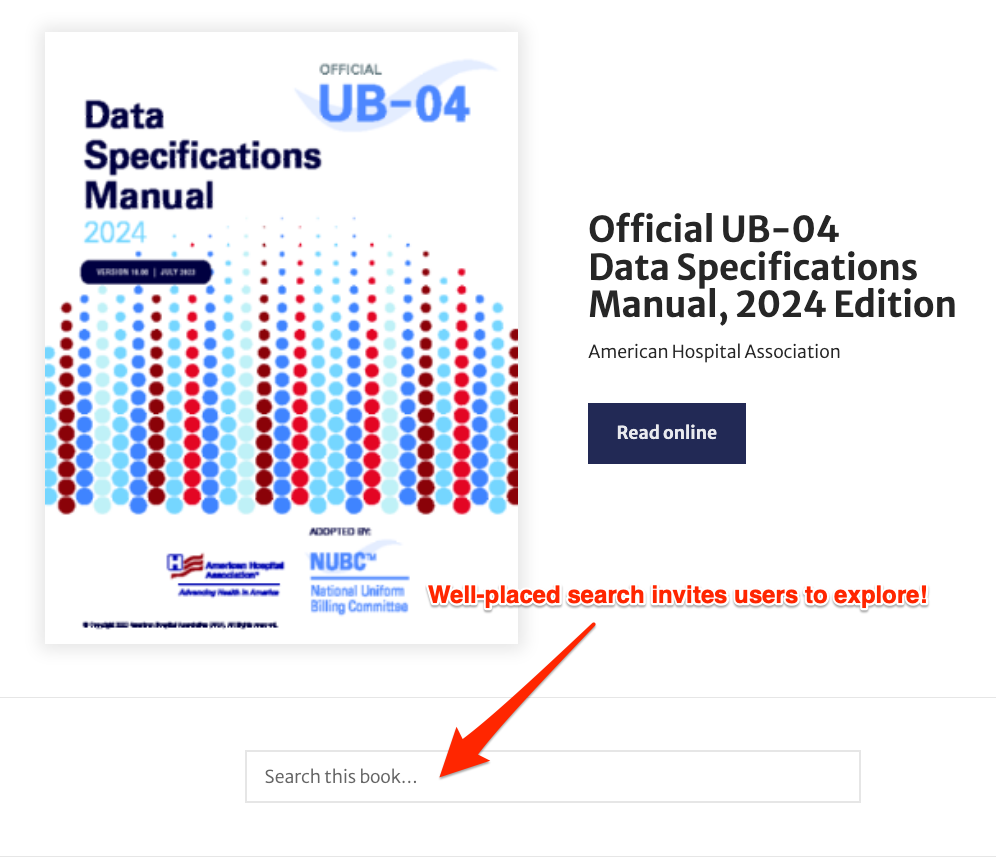
Tizra’s drag-and-drop “Search Within” block is the perfect tool for these and many other scenarios.
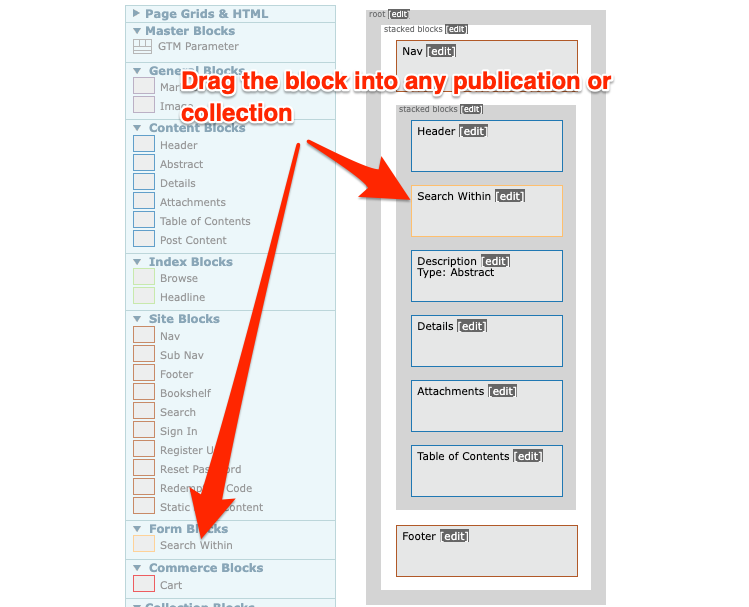
Just go to the page you want to add the search to in the Tizra Presentation editor then drag in the yellow block. Then click “edit” to customize text, heading… even what’s included in the search.
And because Tizra’s design tools are so powerful, it’s easy to add the search to all items of a certain type (like the manual above), or put it on a particular item, a whole collection or items, or even on a custom page.