Tizra Posts > Tizra Product Update: New Features and Refinements
When we began building the Evergreen Content Experience Platform a couple of years ago, the promise was that it would be a foundation for ongoing innovation.
Now, I'm happy to say we're seeing that promise fulfilled with each new release. Check out some of the more recent upgrades below, and don't hesitate to contact us if you'd like to learn how you can make use of them, or if you have ideas for further improvements.
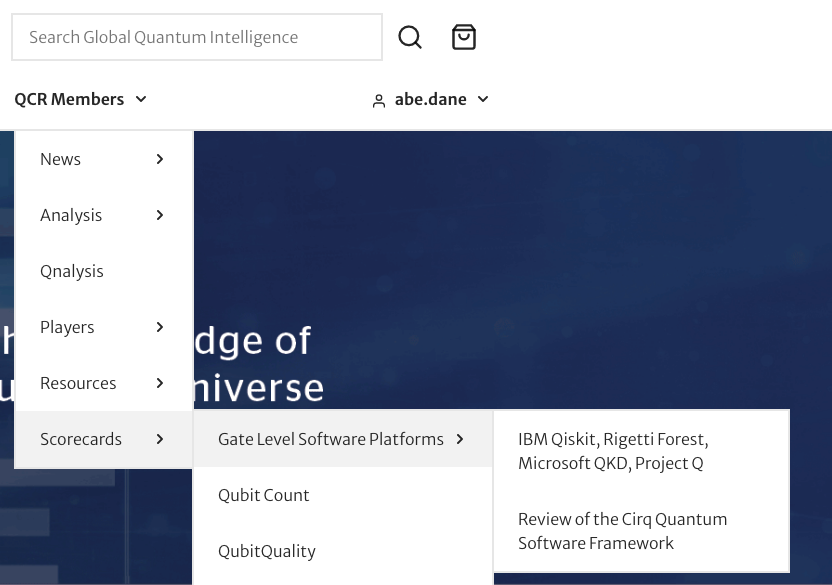
Site navigation is now much more flexible with a new nested menu system that lets users drill down through multiple levels, while keeping the depth of your content always in view. Check out this screenshot from the Global Quantum Intelligence Client Portal, which was the first to use the feature. Note that like everything Evergreen, it works great on mobile.
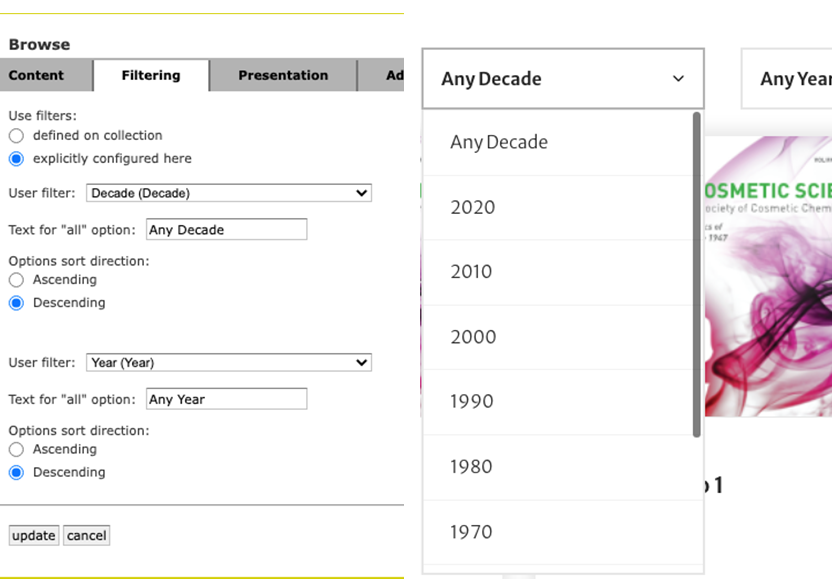
Dropdown filters are one of the most versatile ways to empower users, and can be used to customize views around anything from topics to locations to media types. But the fine points matter. For example, can users bookmark or share their preferred views? (Why, yes, they can!)
Our latest refinement enables you to control the order in which filtering options are presented. Ascending for cases where alphabetical makes sense. And descending for values like dates, where you want the newest at the top.
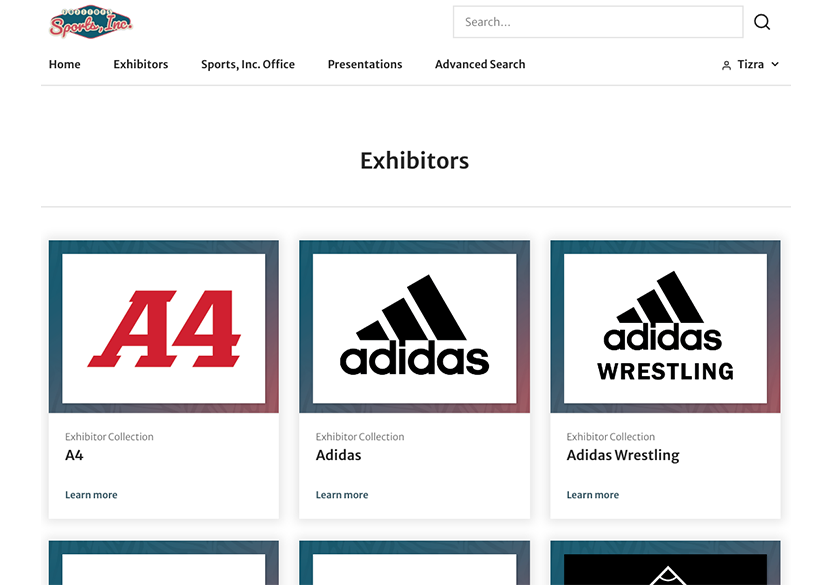
Collections are a great tool for grouping content, but what if you need a LOT of them... and fast? New customer Sports, Inc. needed collections to hold catalogs, price lists and other materials for every one of the exhibitors at a recent trade show. We upgraded Evergreen to work with our existing Virtual Collection feature, and now any time materials for a new exhibitor are added, a new collection pops into existence to hold their stuff. Welcome aboard, Sports, Inc!
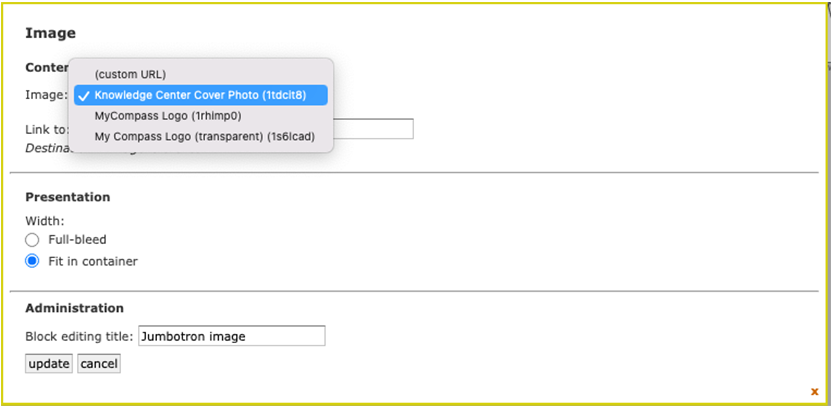
The drag-and-drop block used to manage presentation of images on Evergreen pages just got a lot easier to use. Now, there's a dropdown that lets you quickly scan through all the images you've uploaded into the Presentation area. Even better, it's now easy to add Alt Text in support of improved accessibility. (Thanks to Synthia at ASNT for the suggestion!)