Content Strategy
Discoverability
Metadata
Search
Site Building
Tizra Upgrades
Finding the right information is crucial for readers, but often, they might uncover something that's not quite what they need or discover a piece of content that sends them on a deeper exploration. This is where content pebbles play a vital role.
Think of your content library like the ocean: deep, valuable, and BIG. By organizing information with content pebbles, (or topic tags), you create smaller tide pools that allow focused accessibility to your wider library. Now, user readers can discover related content, find more work by their favorite authors, and explore new, intriguing pieces that capture their interest.
Here's a straightforward guide and best practices for leveraging content pebbles to help readers connect with more of your value-rich content.
Content pebbles are topic tags embedded within blog posts or digital content. Unlike traditional categorization methods, they allow for a more fluid and interconnected discovery process, enabling readers to explore content based on shared topics, tags, or keywords.
Choose Your Tags Wisely: Start by identifying the core topics, keywords, or themes that are most relevant to your content. These will form the basis of your content pebbles.
Tagging Content: When publishing new content, attach relevant content pebbles to it.
Option 1: Generate Search Results
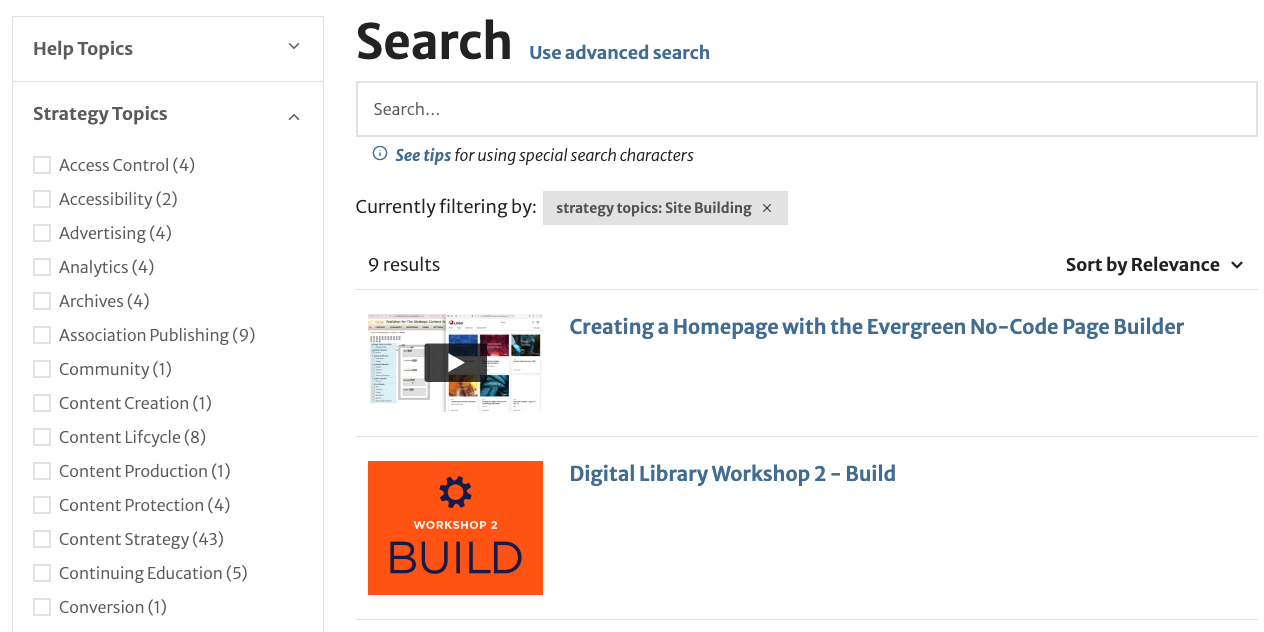
Search results are more exploratory and nice to use because they introduce the reader to the search functionality and encourage them to dig and explore. Search results also promote cross-discovery because they’re filled with relevant and related items!
Option 2: Use a Browse Block + Dropdown Filter
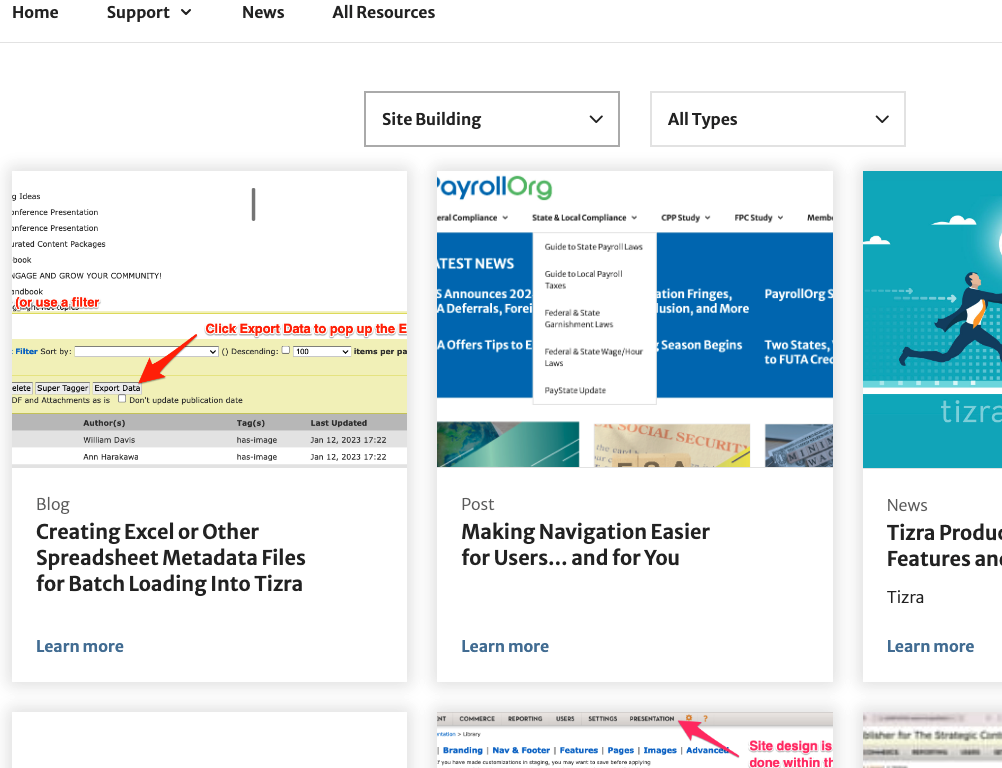
Choose a Browse Block + Dropdown filter are useful for times when your tag results need to be more prescriptive and focused on a particular topic
Content pebbles shine in scenarios where the relationship between content and tags is clear and intuitive. They are particularly useful for:
Some highly-managed content doesn’t lend itself to a natural discovery process. This is typically the case for scientific publications or monetized content, where the exploratory nature of content pebbles may be less beneficial than direct calls to action and well-defined navigation paths.
Content pebbles offer a flexible, user-friendly way to navigate the vast amounts of information available online. And because Tizra’s design tools are so powerful, it’s easy to add them to certain types of content (like blog posts or presentations) organize items or collections, or even categorize a custom page.